Java OOP – Java Swing Applications (Containers and Event Handling)
August 29, 2020 1 min read
The window that user interacts in any GUI software is called a container. For building GUI applications at least one container class is necessary. A default layout is present in each container which can be overridden using setLayout method. The codes we give to run the container after we adding the controls to the containers are known as event handling. You can visit Introduction article of Swing applications to get basic knowledge. Let’s see a list of commonly used containers.
JFrame form
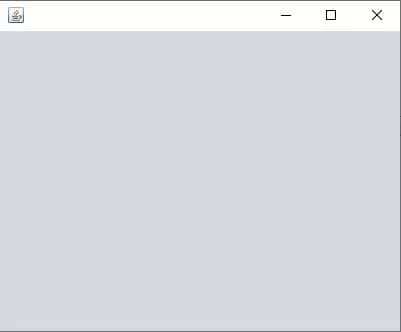
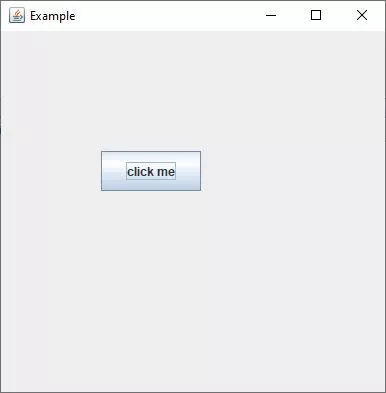
A frame, implemented as an instance of the JFrame class, is a window that has decorations such as a border, a title, and supports button components that close or iconify the window. Applications with a GUI usually include at least one frame. Applets sometimes use frames, as well.
JDialog form
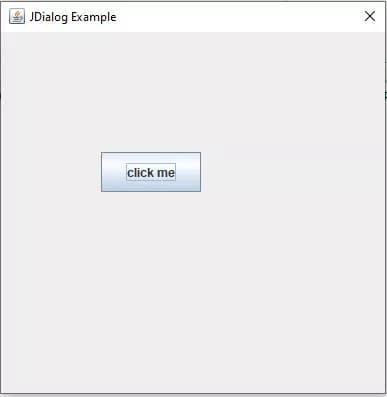
The JDialog is very similar to a JFrame except that the JDialog can be set modally. Modal means that no other window can be used or activated while the corresponding JDialog is being displayed. Unlike JFrame, JDialog does not hold minimize and maximize buttons at the top right corner of the window.

JPanel form
JPanel is a container that can store a group of components. The main task of JPanel is to organize components, various layouts can be set in JPanel which provide better organisation of components, however it does not have a title bar.
JApplet form, JInternalFrame form, Applicaion Sample form are other some of the other types of containers but rarely using.
Let’s see an example of Event handling to create JFrame, JDialog and JPanel forms.
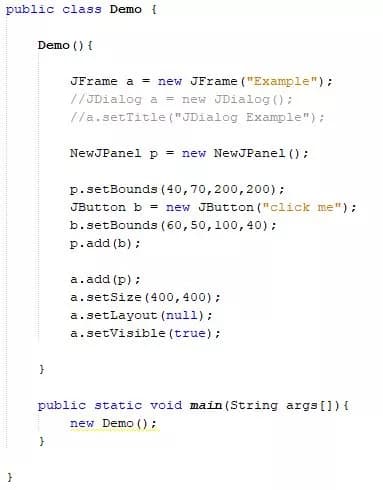
Output for JFrame form:
Output for JDialog form:
We can set default close operation for JFrame in three ways.

Let’s discuss more about event handling with examples by using the layout manager from the next article.
Thank you.