AI Chat app full source code 100% free?
March 22, 2024 3 min read

In today’s fast-paced digital world, mobile apps have become an integral part of our daily lives, and the demand for innovative and user-friendly applications continues to soar. One such app that has caught our attention is a cutting-edge mobile application that harnesses the power of ChatGPT, the renowned language model by OpenAI.
Built with React Native and TypeScript, this app offers a seamless and engaging user experience across platforms. The backend is powered by Node.js and Express.js, ensuring efficient data handling and communication with the frontend. To store data and facilitate push notifications, the app utilizes the robust Firebase platform.
The app’s core functionality revolves around the concept of topic-based chat. Upon launching the app, users are greeted with a sleek and intuitive interface that presents a collection of tiles representing various technologies, such as React, React Native, Node.js, and AWS, among others.
To access the app’s features, users must first sign in with their email and password or create a new account through a straightforward signup process. Once authenticated, the home screen unveils two primary options: accessing notifications and logging out.
When a user selects a tile from the home screen, a dedicated chat screen opens, allowing them to engage in conversations tailored to the chosen topic. The chat interface is designed to foster natural and fluid conversations, leveraging the capabilities of ChatGPT to provide relevant and insightful responses.
One of the app’s standout features is the “NotifyMe” toggle button prominently displayed on the chat screen. By enabling this option, users can receive personalized notifications related to their ongoing conversations, ensuring they stay up-to-date with the latest information and insights relevant to their interests.
The app’s backend incorporates a robust authentication system powered by Google’s email and password services, ensuring the highest levels of security and privacy for user data. All user conversations and related data are securely stored in Firebase’s Firestore database.
To further enhance the user experience, the app leverages Zustand, a state management solution, to efficiently manage the global app state, ensuring seamless transitions and data flow throughout the application.
The backend component of the app features a set of APIs designed to handle data retrieval and storage operations. One of the standout backend features is the implementation of a cron job that analyzes user conversations and sends notifications with relevant content updates based on the user’s chat history and active subscriptions.
To ensure a modular and maintainable codebase, the backend logic and database operations are separated into distinct modules, promoting code reusability and ease of maintenance.
I have provided a comprehensive GitHub repository for both the React Native app and the Node.js backend, allowing developers to explore the codebase, contribute, and potentially extend the app’s functionality.
Setting up the React Native app requires Node.js version 18 or later and Java 17 or higher. While the current implementation focuses on the Android platform, the developer has expressed plans to incorporate iOS support with minor adjustments.
| Mobile | Backend |
| Java 17 or higher | Node.js version 18 or later |
| Node.js version 18 or later |
To configure the backend, developers will need to provide their ChatGPT API key and Firebase server configurations, ensuring seamless integration with the respective services.
With its innovative approach to leveraging ChatGPT’s capabilities, combined with a user-friendly interface and robust backend infrastructure, this app promises to revolutionize the way we interact with conversational AI and stay informed about the latest developments in the tech world.
Here are some screen shots of the application
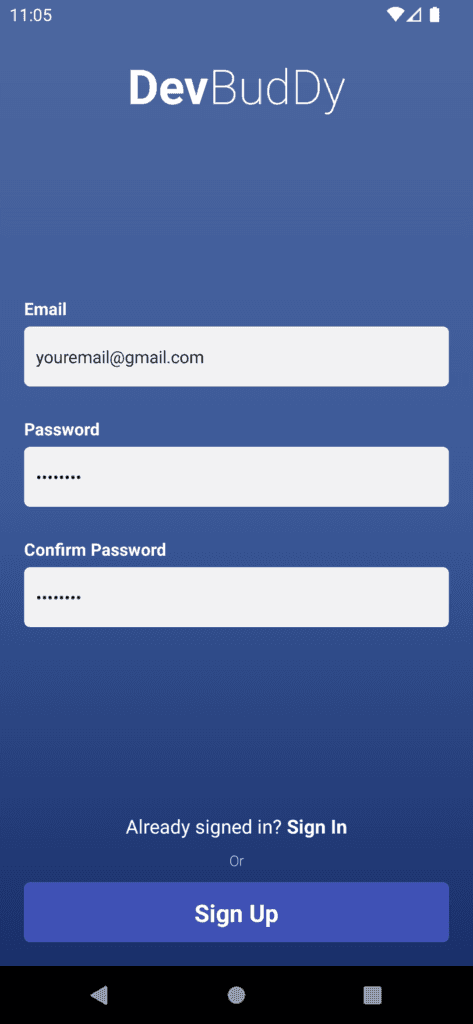
Sign Up Screen
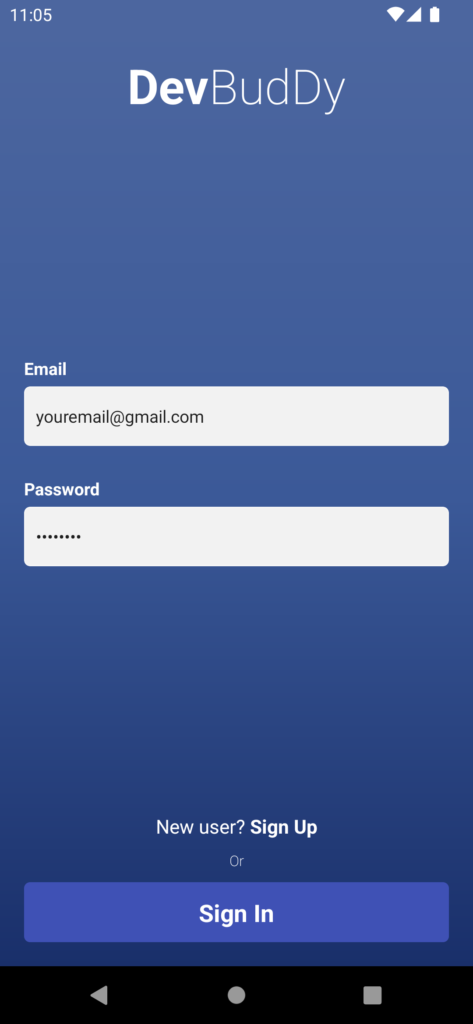
Sign In Screen
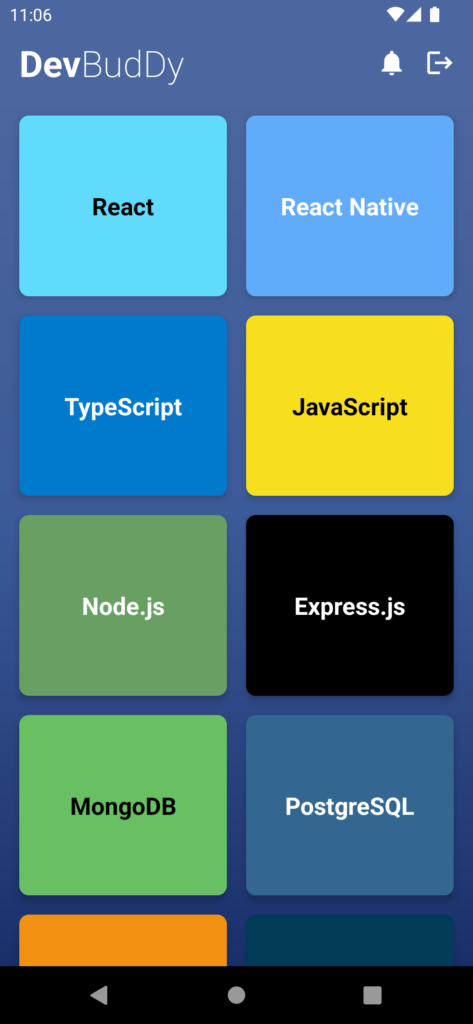
Home Screen
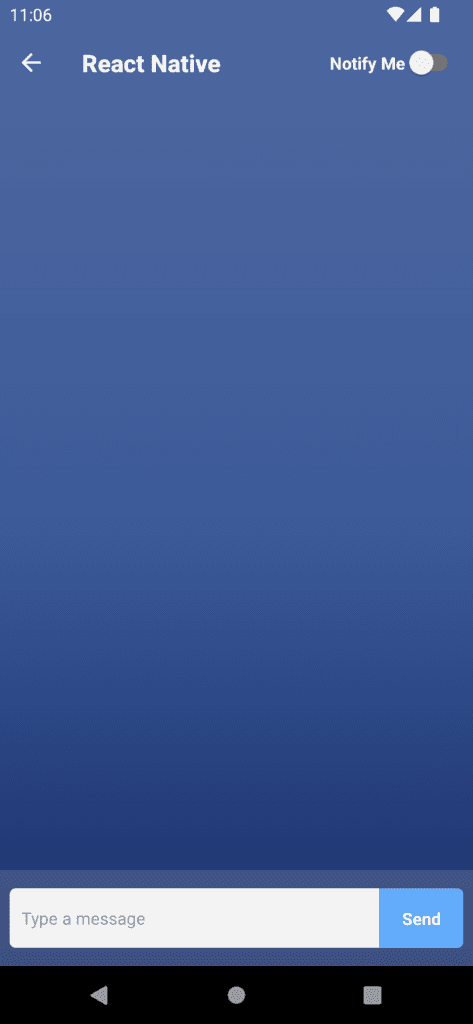
First look of the chat screen
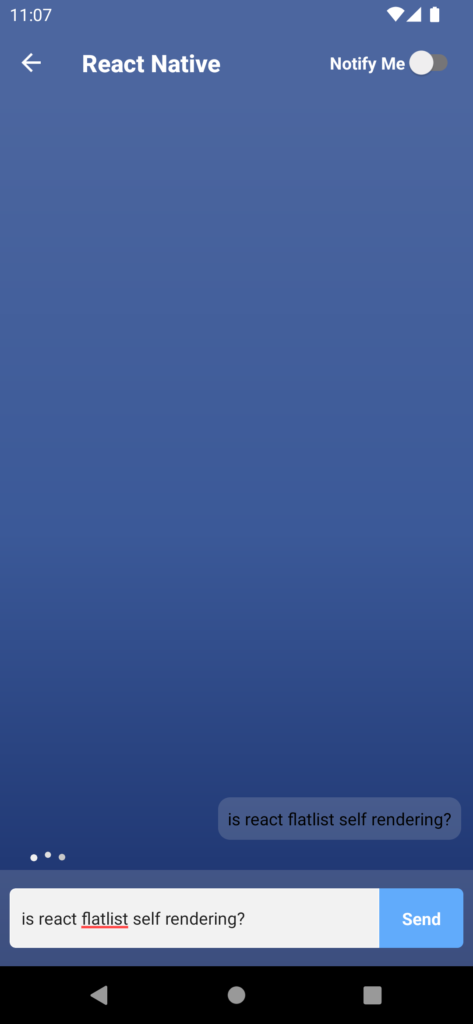
User sends a message
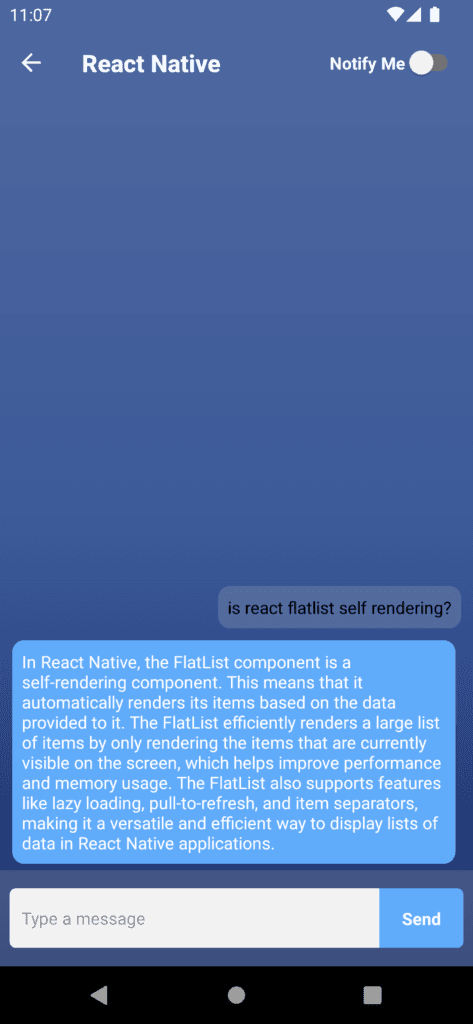
Response from the server
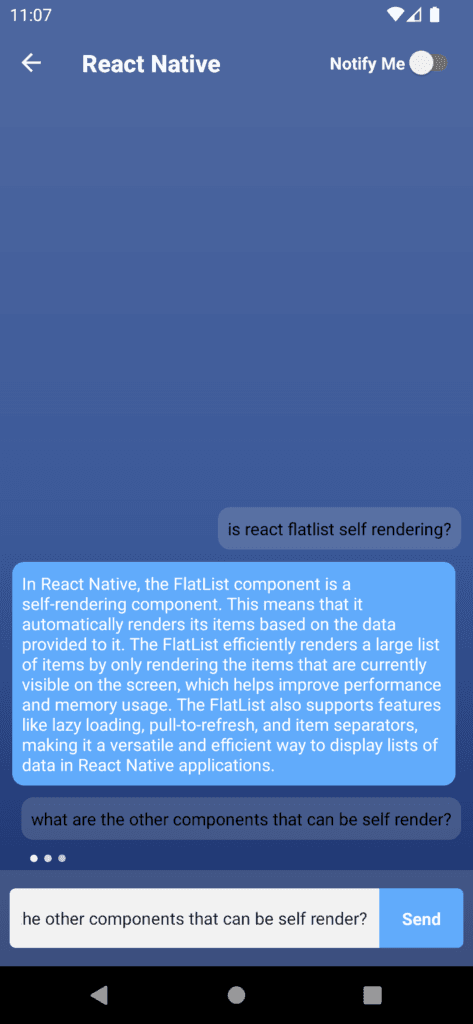
Continue the chat
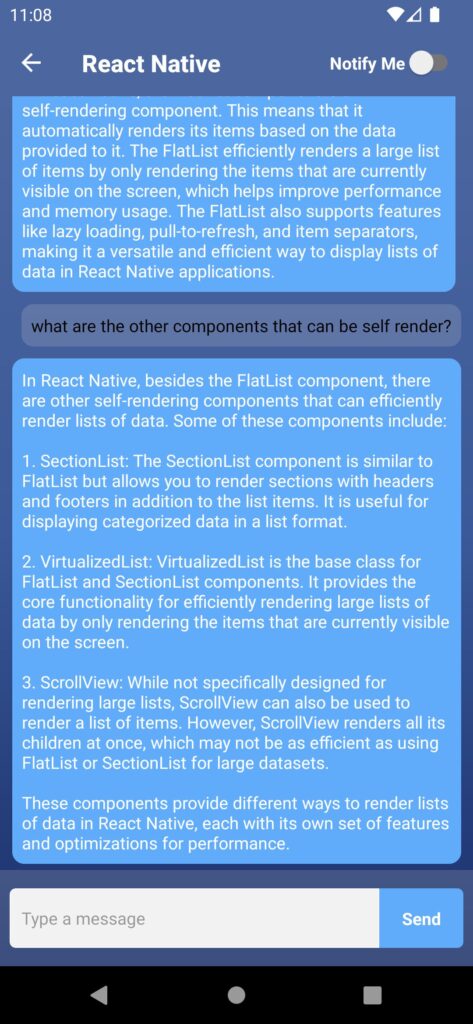
Continue the chat
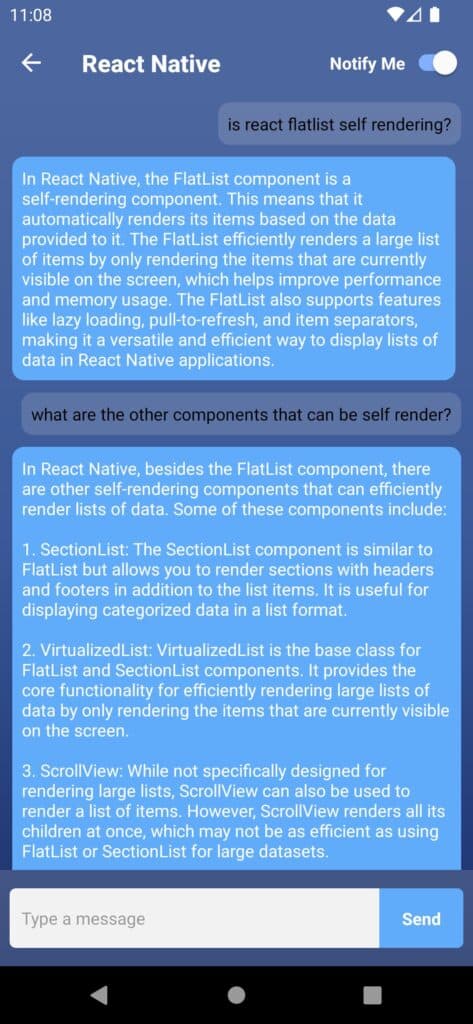
Enabled the notifications for the selected tile
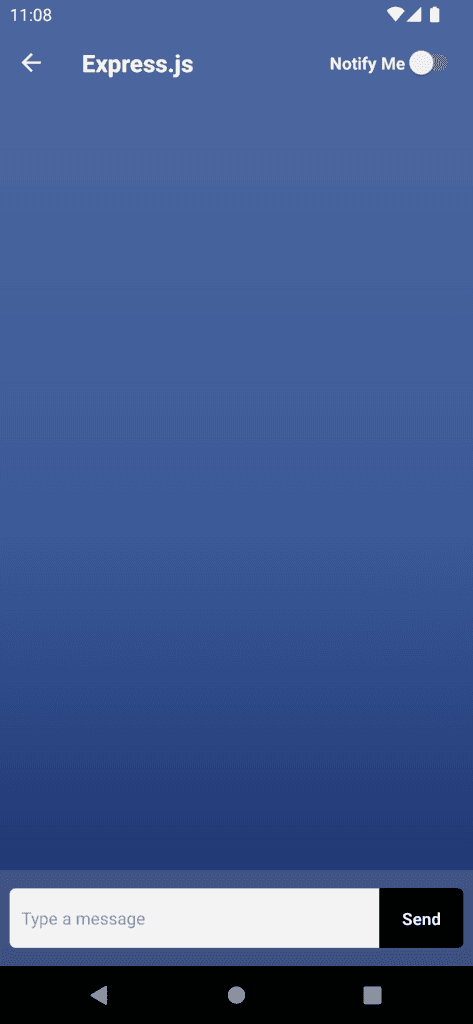
With other tiles

Empty notifications
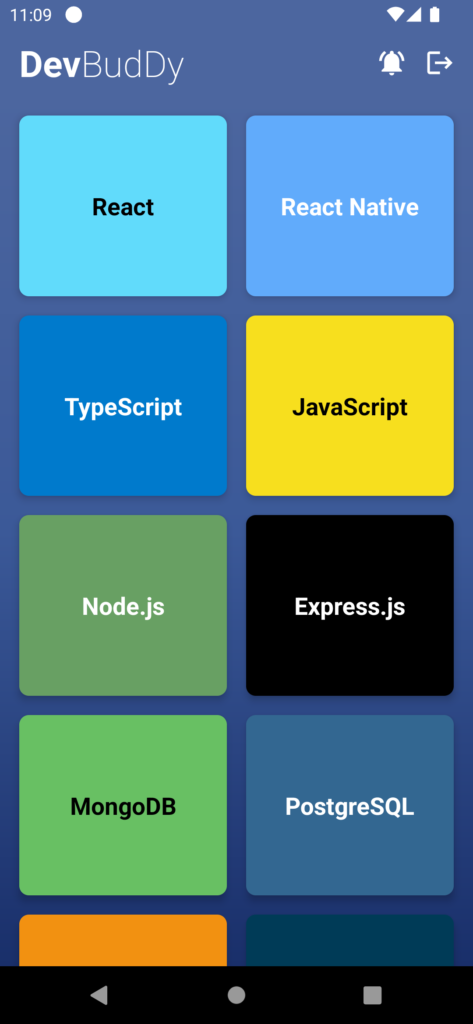
Notification update on home screen
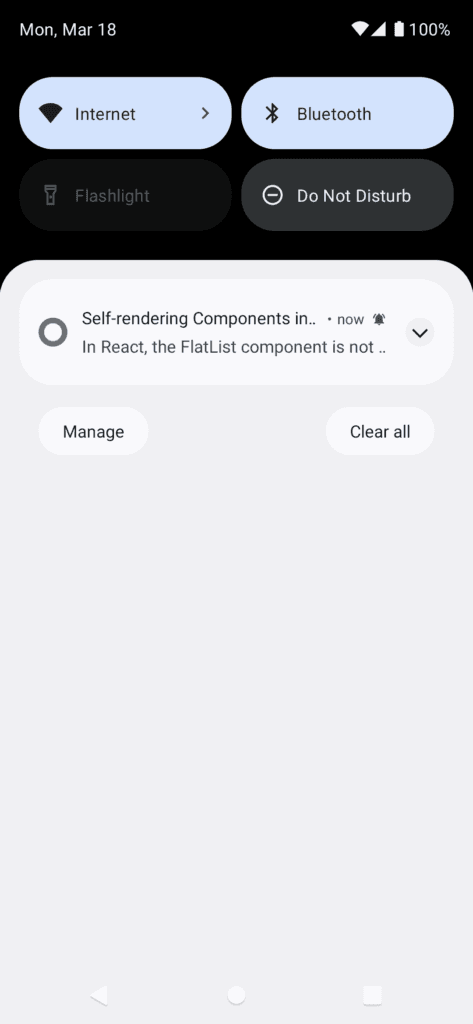
Received push notification
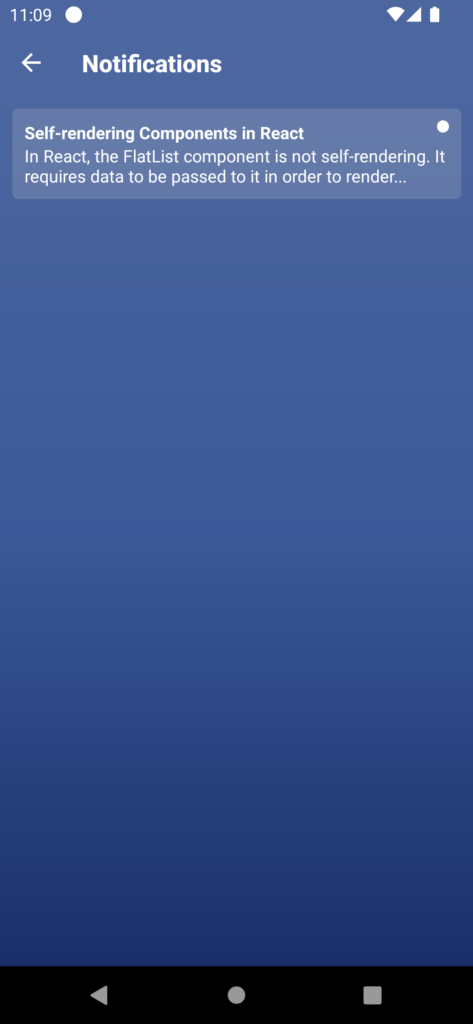
Un read notification
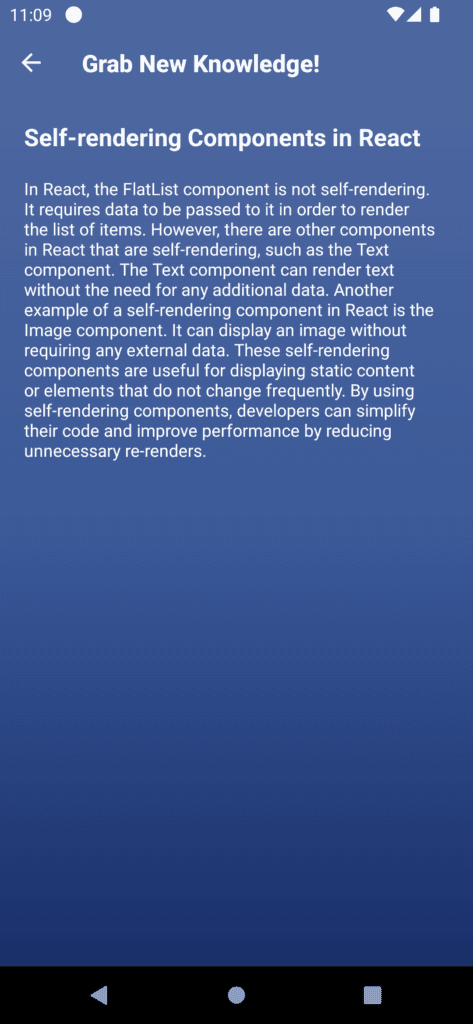
Notification Screen
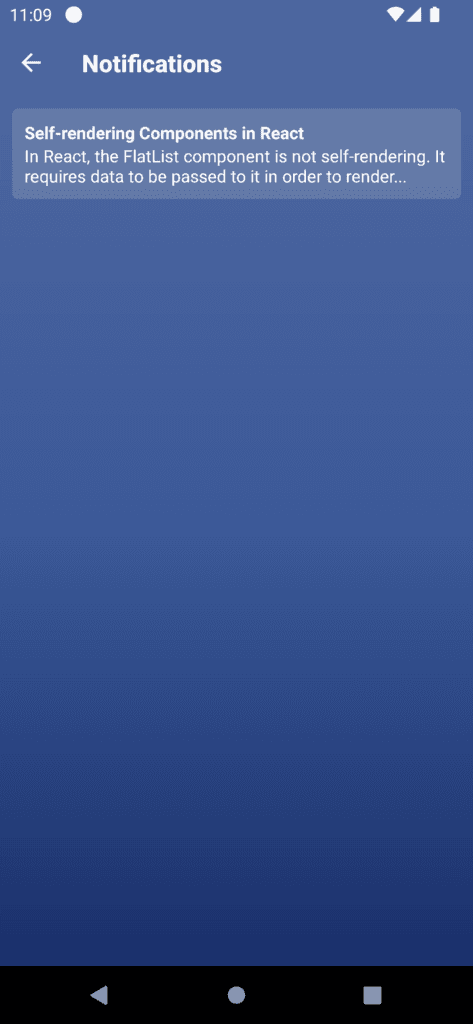
After read the notification
Git link : project link
Checkout my other articles: appcitor.com