Structural – Flyweight Design Pattern
August 5, 2020 2 min read

Flyweight Pattern is a Structural Design Pattern that used when we need to create a large number of similar objects. That means this pattern provides ways to decrease object count thus improving application required object structure. Once flyweight objects have been constructed, they cannot be modified.
Let’s see a java program to demonstrate working of flyweight pattern with example of drawing different shapes.

This is the interface that should be created first. Inside that there is a method called “draw()” that will be the common method to all of the other concrete classes.
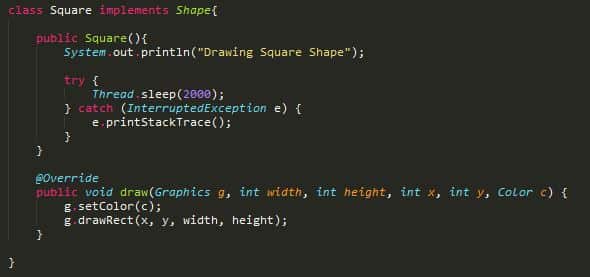
Here you can see the class “Square” which is implemented by the interface “Shape”. This is one of the shapes we are going to draw. So inside the class I wrote the commands to set colors and to draw the shape inside the overridden method and as well as inside the default constructer I wrote the command for a time delay. I did this to show you that in creating the object of concrete classes to make the point that flyweight pattern can be used for objects that takes a lot of time while instantiated.
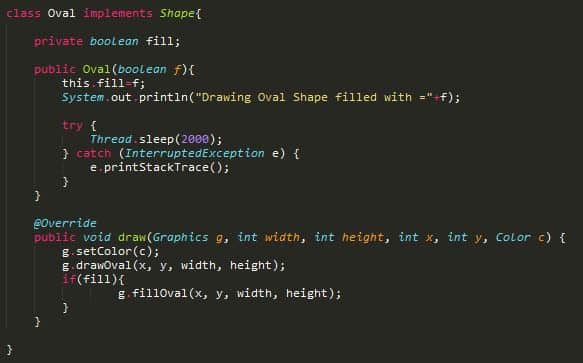
This class also same as the class “Square” because “Oval” is the next shape I selected to draw. The only difference is that I created an intrinsic property to fill the shape with a color.
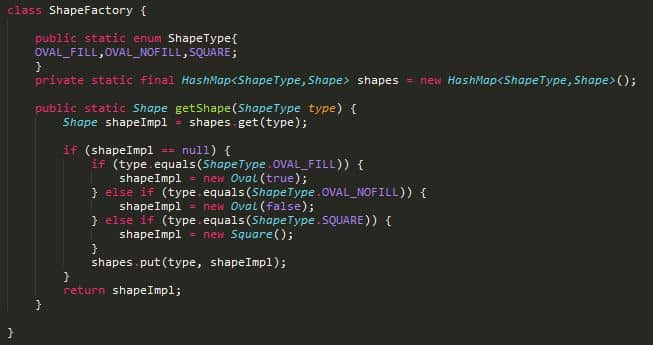
Next I created the class “ShapeFactory” as the flyweight factory to instantiate the object. So we need to keep a map of objects in the factory that should not be accessible by client application.
Whenever client program makes a call to get an instance of object, it should be returned from the HashMap, if not found then create a new object and put in the map and then return it. We need to make sure that all the intrinsic properties are considered while creating the object.
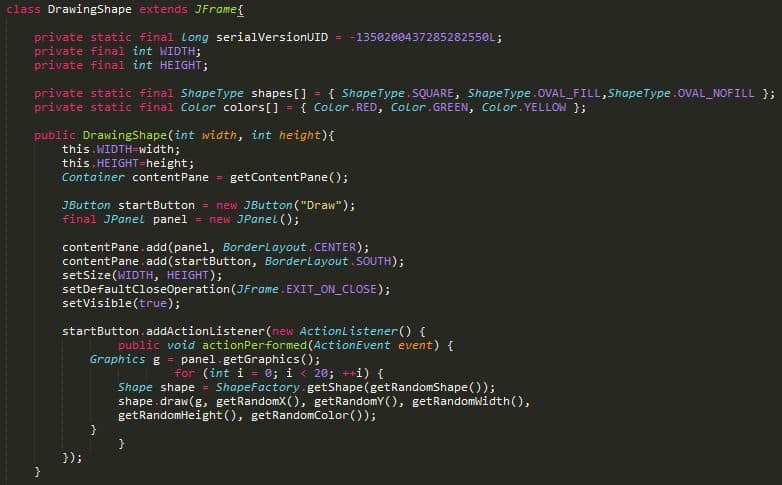
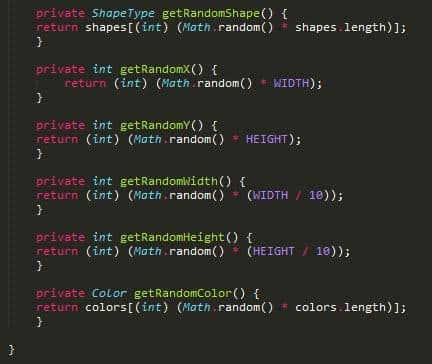
Here is a sample program that consumes flyweight pattern implementation. I have used random number generation to generate different type of Shapes in our frame.
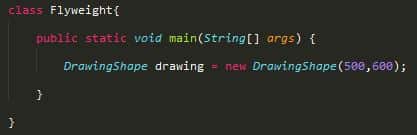
If you run above main method, you will notice the delay in creating first square shape(object) and oval shapes with fill as true and false. After that the program executes quickly since its using the shared objects.
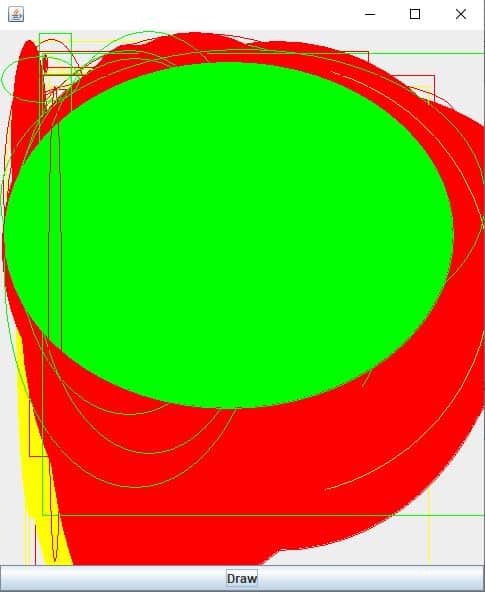
After clicking “Draw” button multiple times, the frame looks like below image.
You can visit the below given articles to learn about creational design patterns.
Thank you.
Creational Design Patterns